

ENSv2 Quickstart
What is ENSv2?
Section titled “What is ENSv2?”ENSv2 is the next generation of the Ethereum Name Service — a protocol upgrade that fundamentally changes how the ENS protocol works.
What is the ENS Omnigraph?
Section titled “What is the ENS Omnigraph?”ENSNode fully supports ENSv2 via the ENS Omnigraph API, the world’s first and only unified API over the full state of both ENSv1 and ENSv2. When ENSv2 launches in Summer 2026, ENSv1 continues to exist, and apps must be updated to use the new protocol version. ENSNode takes the guesswork out of building on ENS, whether you need to resolve up-to-date records, search all Domains, or see which Domains a user owns (and much, much more).
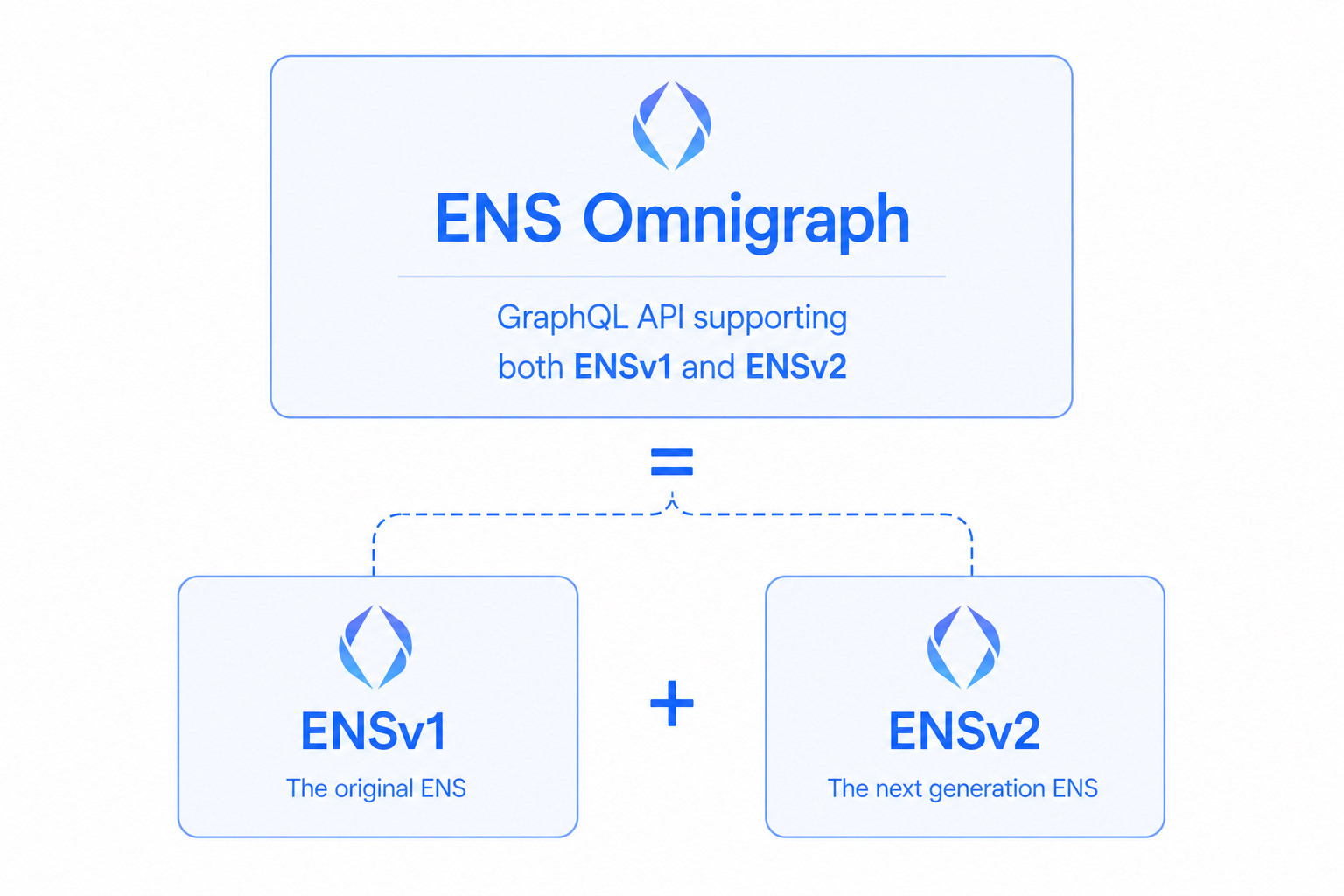
ENS Omnigraph supports both ENSv1 and ENSv2 concurrently within the same unified data model. This means you can integrate today (before ENSv2 launches) and continue with full ENSv2 support when it goes live, with zero downtime!
ENSNode’s Integration Options
Section titled “ENSNode’s Integration Options”ENSNode supports a full range of different integration options across the stack, whether you’re using React, any JavaScript runtime, raw GraphQL, or looking to go deep and build a fully custom service using indexed ENS data.
Here’s a summary of some popular integration strategies:
1. enskit + Omnigraph
Section titled “1. enskit + Omnigraph”With enskit, leverage ENSNode and the Omnigraph to power your React components using useOmnigraphQuery. enskit comes with built-in type-safety, Omnigraph-specific cache directives, easy infinite pagination, and much much more.
// this is fully typechecked and supports editor autocomplete!const DomainFragment = graphql(`  fragment DomainFragment on Domain {    __typename    id    canonical { name { interpreted } }    owner { id address }  }`);
// this is fully typechecked and supports editor autocomplete!const DomainByNameQuery = graphql(`  query DomainByNameQuery($name: InterpretedName!) {    domain(by: { name: $name }) {      ...DomainFragment      subdomains {        edges { node { ...DomainFragment } }      }    }  }`,  [DomainFragment],);
function RenderDomainFragment({ data }: { data: FragmentOf<typeof DomainFragment> }) {  // type-safe access to fragment data!  const domain = readFragment(DomainFragment, data);
  return (    <>      <span>Name: {domain.canonical ? beautifyInterpretedName(domain.canonical.name.interpreted) : 'Unnamed Domain'}</span>      <span>Protocol Version: {domain.__typename === 'ENSv1Domain' ? 'ENSv1' : 'ENSv2'}</span>      <span>Owner: {domain.owner ? domain.owner.address : 'Unowned'}</span>    </>  );}
export function RenderDomainAndSubdomains({ name }: { name: InterpretedName }) {  // `result` is fully typed!  const [result] = useOmnigraphQuery({ query: DomainByNameQuery, variables: { name } });  const { data, fetching, error } = result;
  // some loading/error handling  if (!data && fetching) return <p>Loading...</p>;  if (error) return <p>Error: {error.message}</p>;  if (!data?.domain) return <p>No domain was found with name '{name}'.</p>;
  // now we have type-safe access to Domain!  const domain = readFragment(DomainFragment, data.domain);  const { subdomains } = data.domain;
  return (    <div>      <RenderDomainFragment data={data.domain} />
<h2>Subdomains:</h2> <ul> {subdomains?.edges.map((edge) => { const { id } = readFragment(DomainFragment, edge.node); return ( <li key={id}> <RenderDomainFragment data={edge.node} /> </li> ); })} </ul> </div> );}2. enssdk + Omnigraph
Section titled “2. enssdk + Omnigraph”With enssdk, leverage ENSNode and the Omnigraph from any JavaScript runtime to power your frontend or backend apps. enssdk comes with built-in type-safety and editor autocomplete for Omnigraph queries.
// create and extend an EnsNodeClient with Omnigraph API supportconst client = createEnsNodeClient({ url: process.env.ENSNODE_URL! }).extend(omnigraph);
// this is fully typechecked and supports editor autocomplete!const HelloWorldQuery = graphql(`  query HelloWorld {    domain(by: { name: "eth" }) {      id      canonical { name { interpreted } }      owner { address }    }  }`);
// `result` is fully typed!const result = await client.omnigraph.query({ query: HelloWorldQuery });3. ENS Omnigraph GraphQL API
Section titled “3. ENS Omnigraph GraphQL API”The ENS Omnigraph API is a GraphQL API following the Relay specification, so you get built-in support for efficient infinite pagination and idiomatic access to all of the ENS protocol within a unified ENSv1 + ENSv2 datamodel.
query AccountDomains(
  $address: Address!
) {
  account(by: { address: $address }) {
    domains {
      edges {
        node {
          label { interpreted }
          name
        }
      }
    }
  }
}
{
"address": "0x205d2686da3bf33f64c17f21462c51b5ead462cf"
} {
"data": {
"account": {
"domains": {
"edges": [
{
"node": {
"label": {
"interpreted": "5test"
},
"name": "5test.eth"
}
},
{
"node": {
"label": {
"interpreted": "666test"
},
"name": "666test.eth"
}
},
{
"node": {
"label": {
"interpreted": "999test"
},
"name": "999test.eth"
}
},
{
"node": {
"label": {
"interpreted": "indexerisfknworking"
},
"name": "indexerisfknworking.eth"
}
},
{
"node": {
"label": {
"interpreted": "oldnew"
},
"name": "oldnew.eth"
}
},
{
"node": {
"label": {
"interpreted": "test3wallet"
},
"name": "test3wallet.eth"
}
}
]
}
}
}
} # POST JSON to your ENSNode Omnigraph endpoint (same path enssdk uses).
curl -sS -X POST "https://api.v2-sepolia.ensnode.io/api/omnigraph" \
-H "Content-Type: application/json" \
-d @- <<'EOF'
{
"query": "query AccountDomains( $address: Address! ) { account(by: { address: $address }) { domains { edges { node { label { interpreted } name } } } } }",
"variables": {
"address": "0x205d2686da3bf33f64c17f21462c51b5ead462cf"
}
}
EOF query AccountDomains( $address: Address!) { account(by: { address: $address }) { domains { edges { node { label { interpreted } name } } } }}Payload and transport examples
{ "address": "0x205d2686da3bf33f64c17f21462c51b5ead462cf"}
Response is an illustrative snapshot; live data depends on your ENSNode instance. The curl tab shows a POST to
https://api.v2-sepolia.ensnode.io/api/omnigraph
4. Further Integration Options
Section titled “4. Further Integration Options”Beyond enskit, enssdk, and the Omnigraph GraphQL API, ENSNode exposes a deeper set of integration surfaces for advanced use cases:
- ENSDb — query the indexed ENS dataset directly over Postgres for custom analytics or your own service layer.
- enscli — (coming soon) script ENSNode operations from the command line.
- ensskills — (coming soon) AI agent tooling for working with ENS data.
- ensdb-cli — (coming soon) share and load point-in-time ENSDb snapshots.
- ENSEngine (coming soon) — subscribe to ENS-aware webhooks driven by changes in ENSDb.